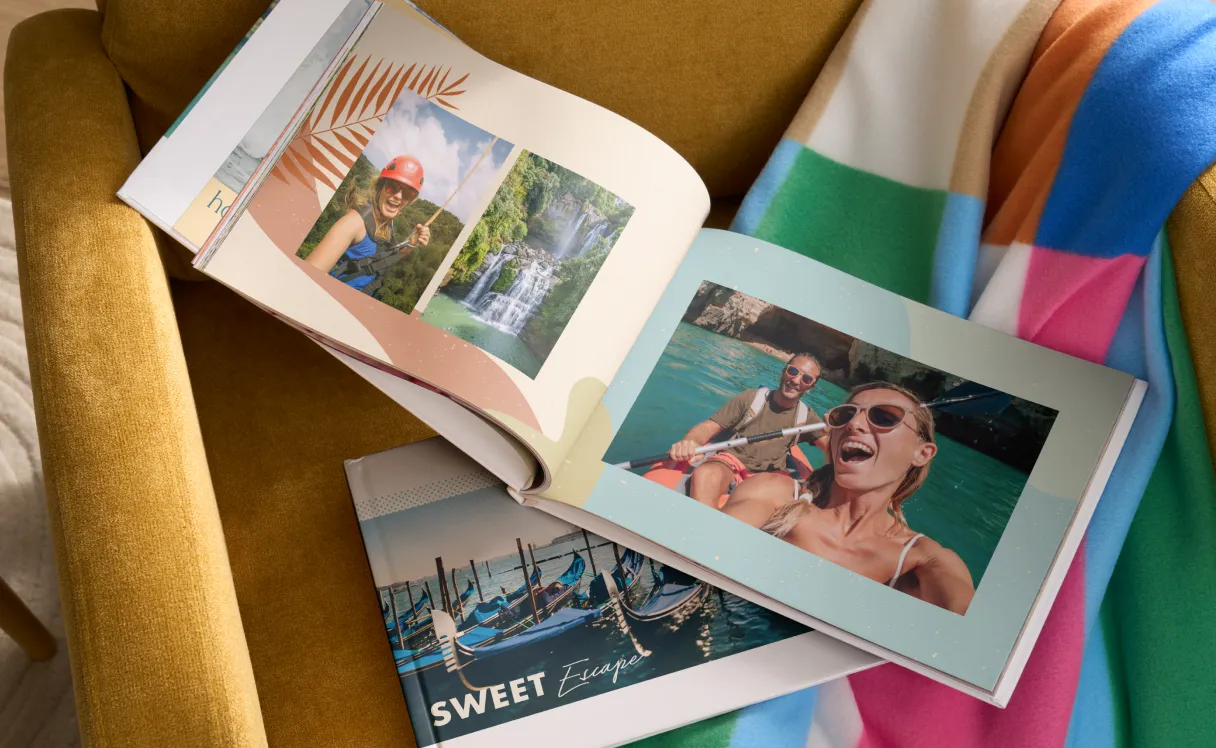
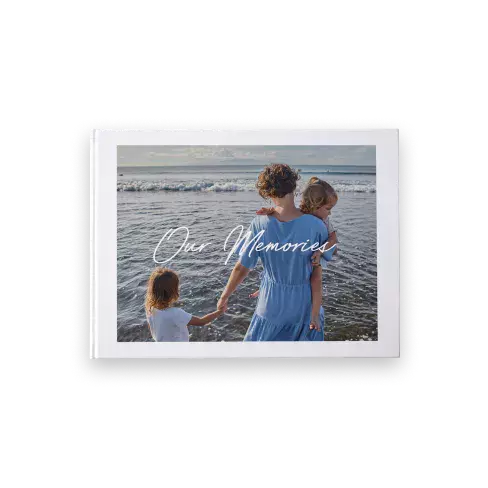
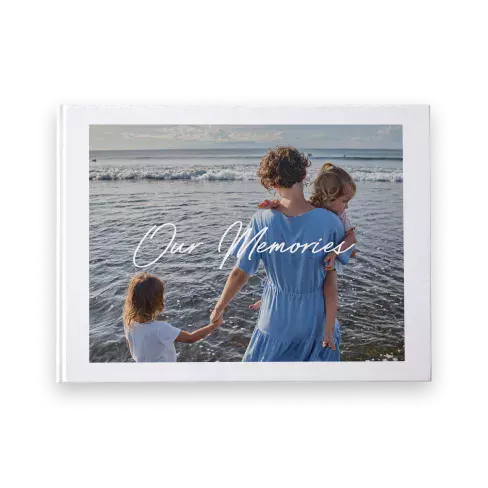
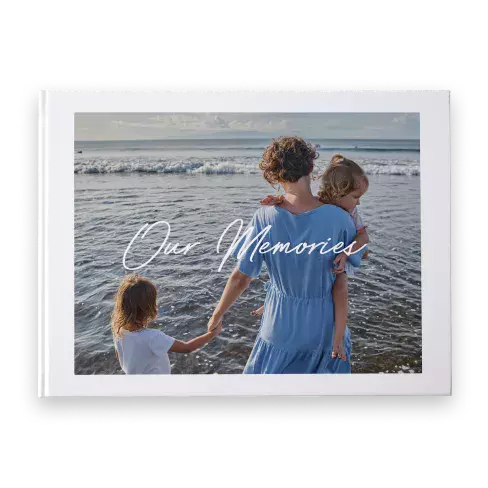
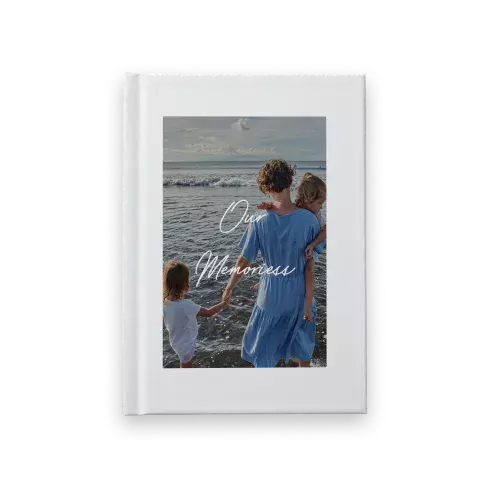
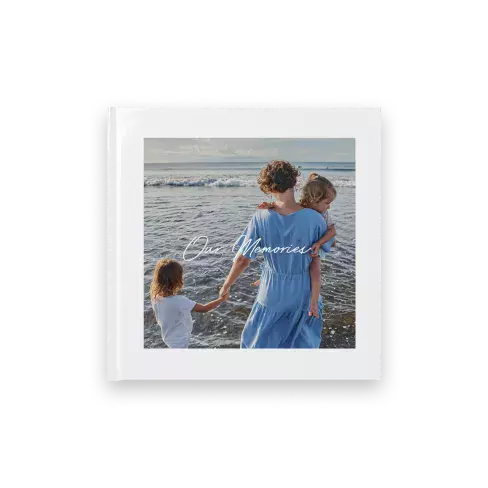
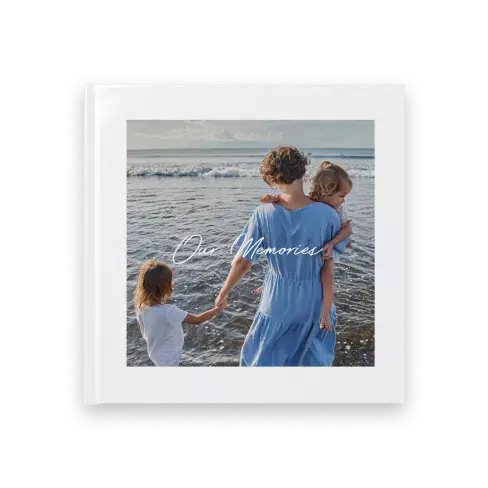
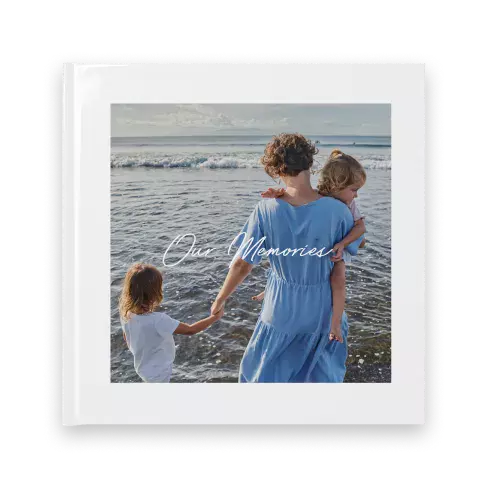
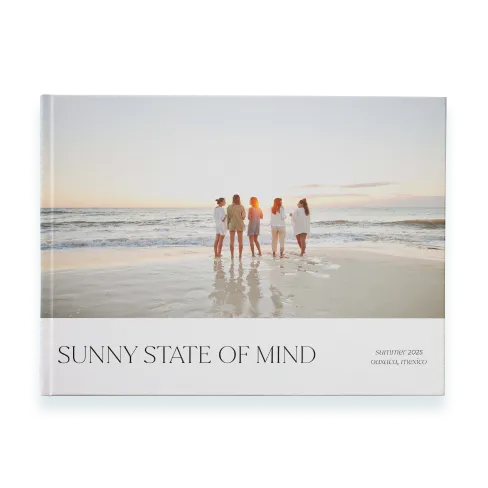
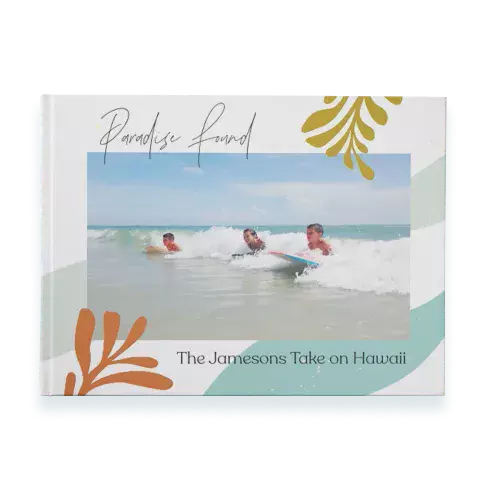
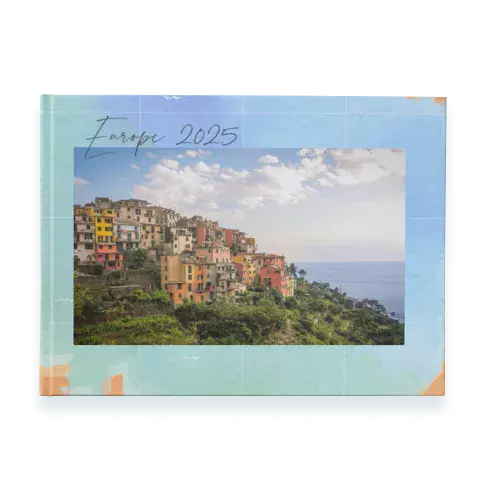
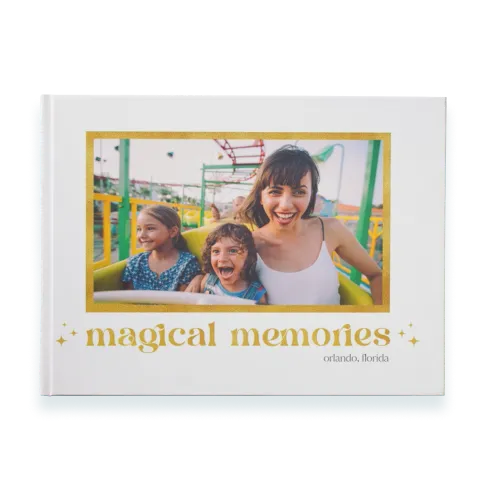
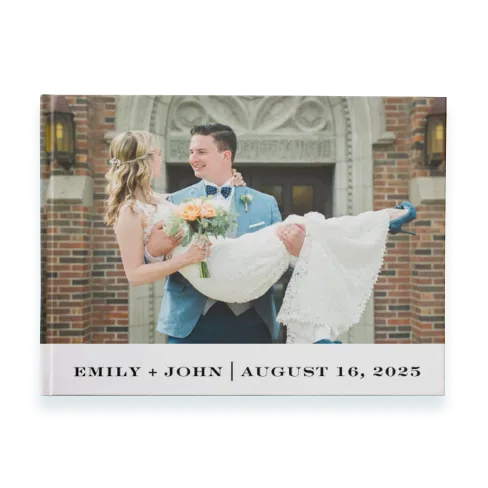
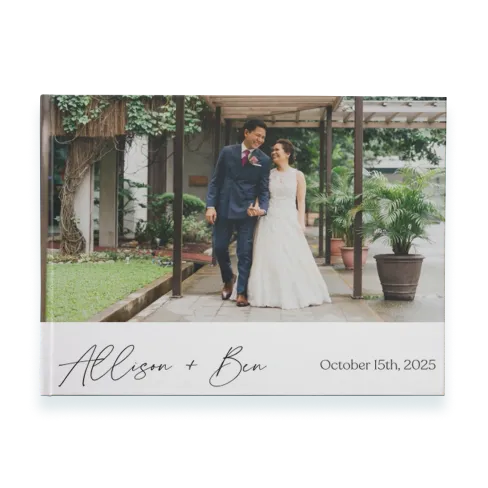
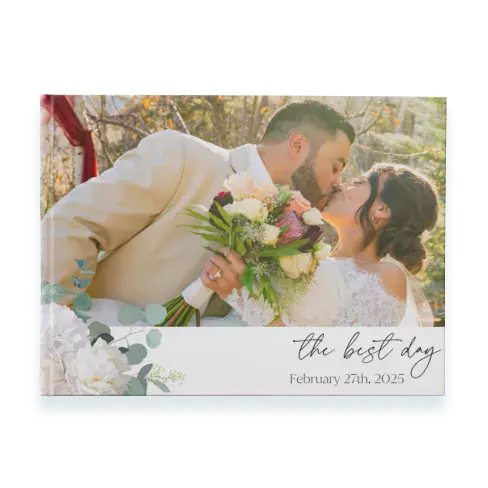
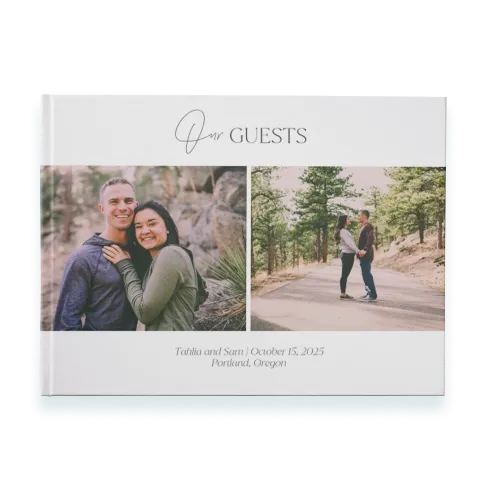
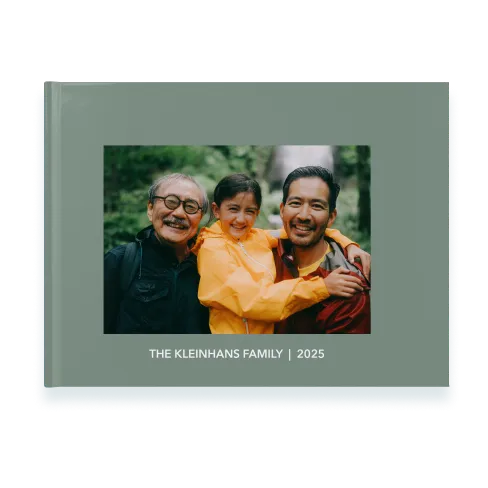
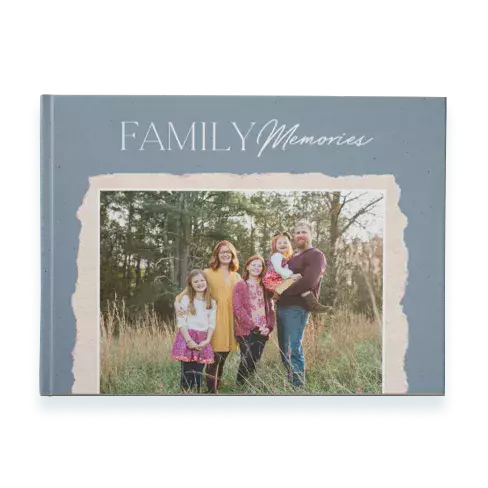
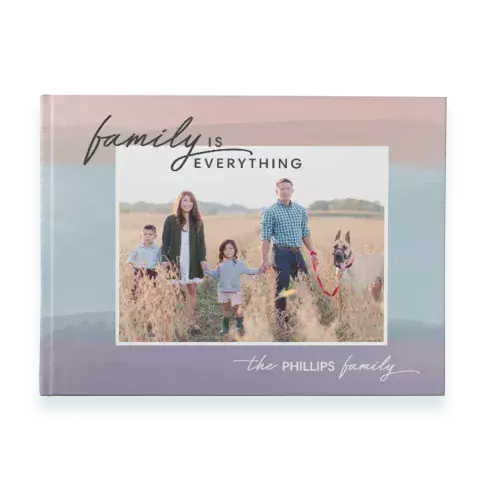
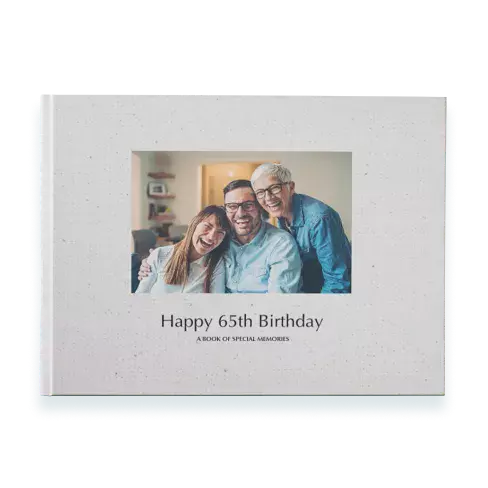
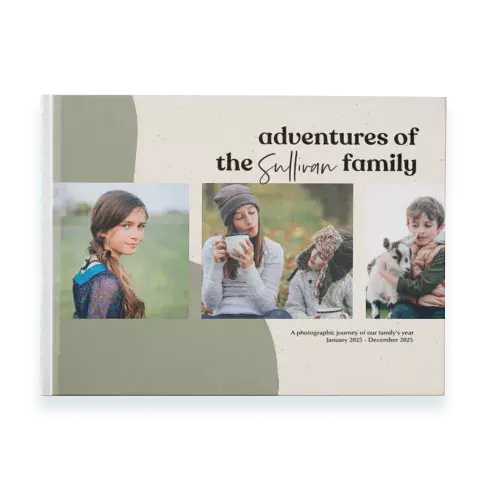
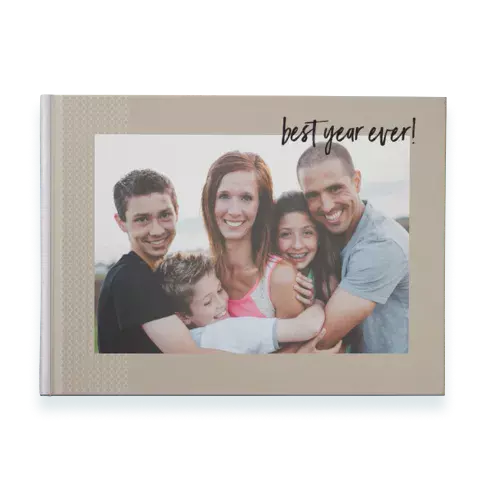
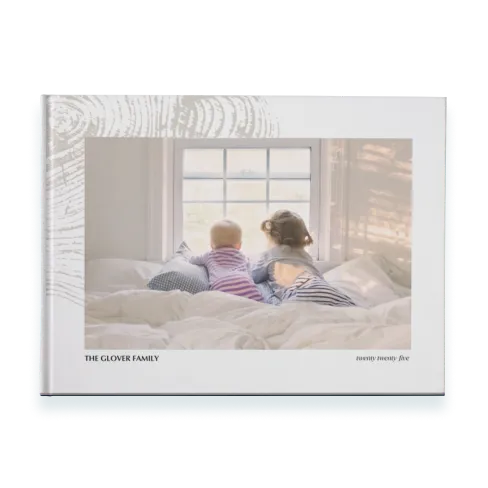
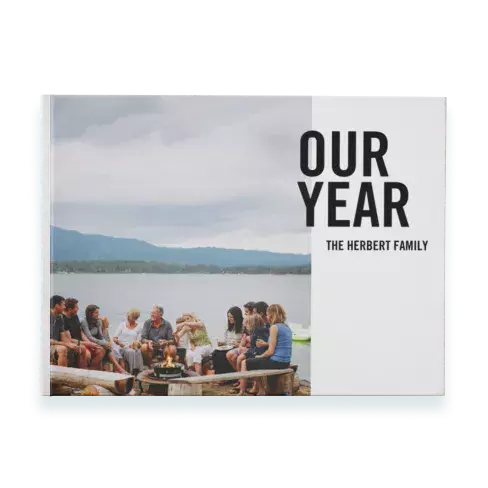
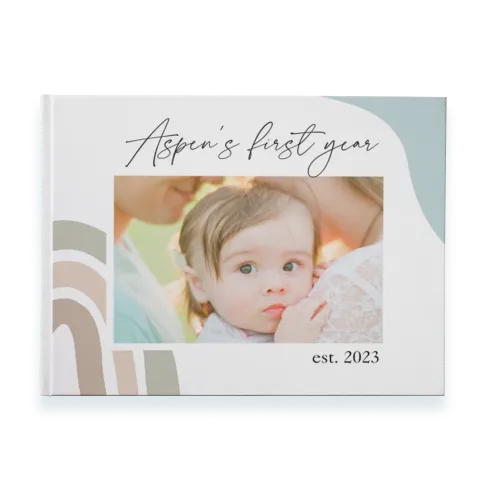
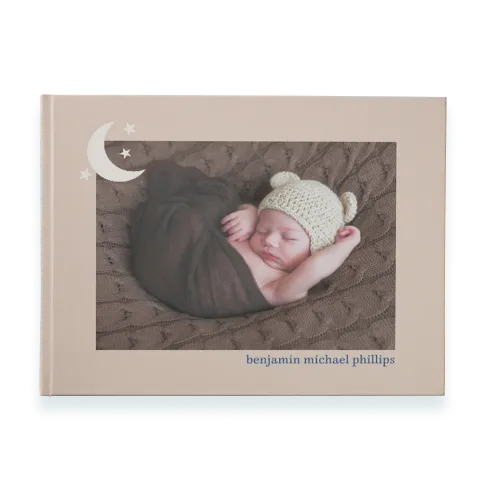
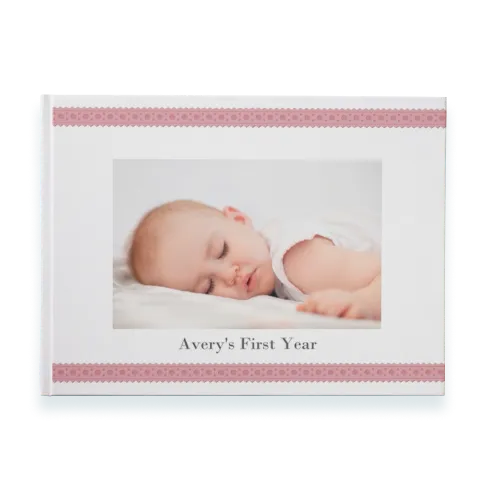
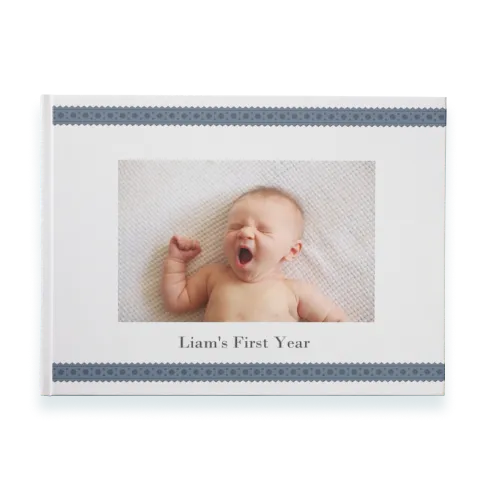
The Snapfish Difference: Beautifully made, brilliantly priced.
Wide range of Photo Books
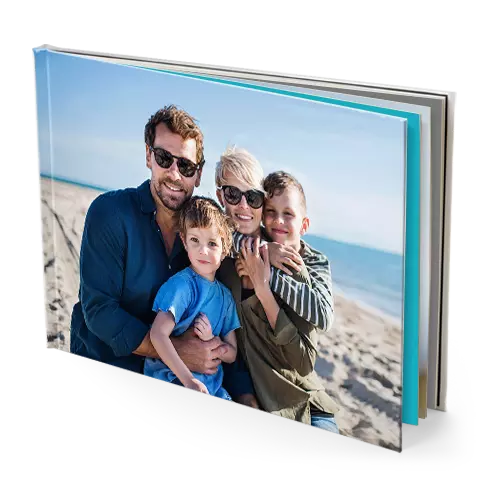
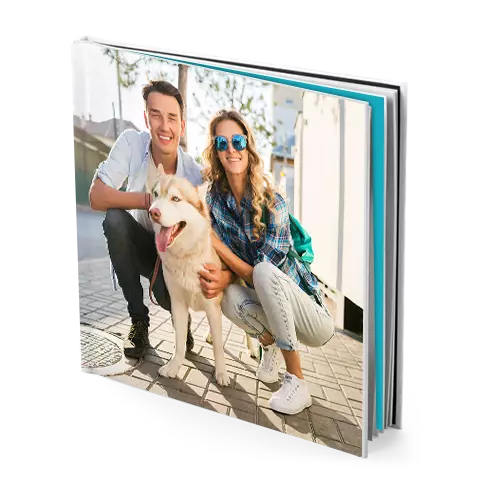
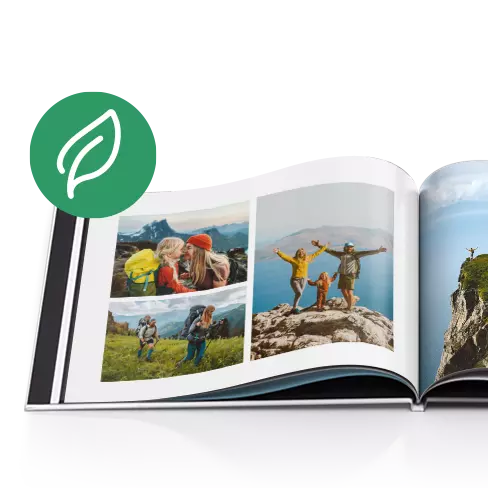
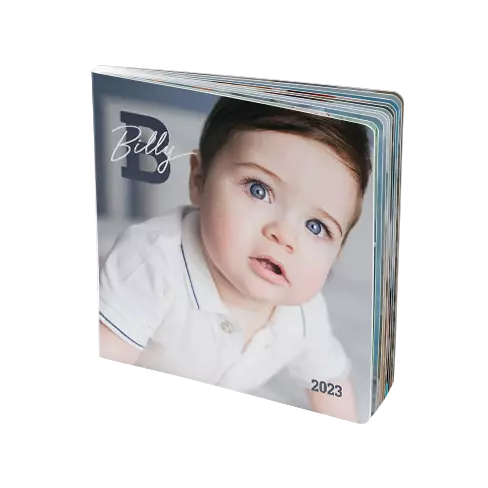
Whatever type of photo book you’d like to create, we’ve got you covered. With a range of sizes and a variety of cover options, you can choose everything from large layflat books to handy 15x15cm photo books
with our photo book maker.
Pre-made design templates
Whether you prefer simple or sophisticated, our layouts keep the focus on your photos. With over 100 ready-made templates, creating your personalised photo book online is easier than ever.
Easy-to-use builder
Our intuitive photo book builder makes creating your book simple and stress-free. If you need a hand, our video tutorials
will guide you every step of the way.
Fast processing time
Every picture album book is custom-made, but we’ll have yours ready in just a few business days. Once it’s perfect, we’ll ship it straight to you.
High quality
We love photos as much as you do, so we only use the finest papers, inks, and materials. Each photo album book is carefully hand-inspected to make sure it’s just right.
Made in Australia
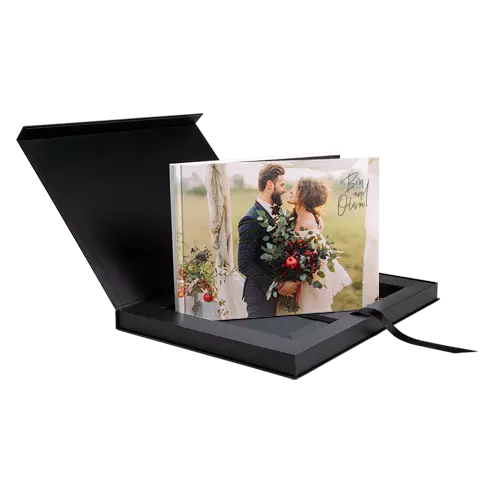
From big movements like your wedding day photo album to everyday moments like your baby's vsteps or your recent holiday, you can showcase your most treasured moments with a quality hardcover photo book from Snapfish.
A photo book is a personalised collection of your favourite photos, printed and bound into a high-quality photo album book. It’s a beautiful way to preserve memories, share stories and create a tangible keepsake that you can enjoy for years to come. Whether it’s a family vacation, a wedding, or a special event, a personalised photo book allows you to relive those moments in a stunning, professional format.
Customising your photo album book is a breeze. Here are some of the ways you can make it uniquely yours:
Choose Your Layout: Select from a variety of pre-designed layouts or create your own photo book from scratch. You can add, remove, or rearrange pages to fit your story.
Add Text: Include captions, titles and personal messages to give context to your photos and make your book more meaningful.
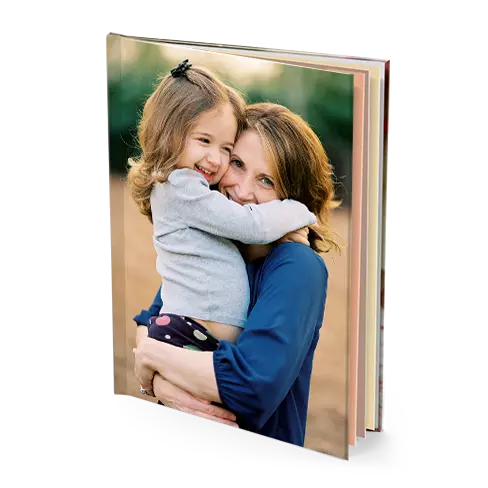
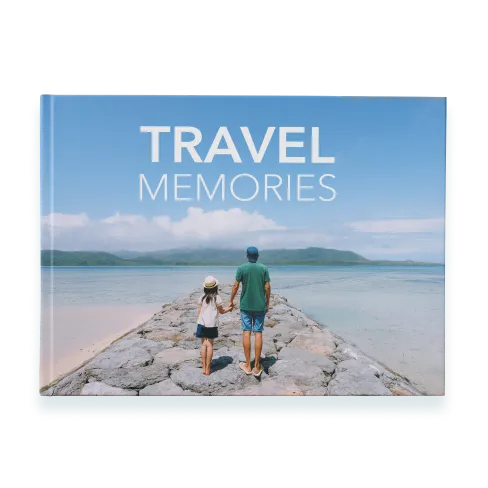
Select a Cover: Choose from a range of cover options when you create your photo book, including hardcover photo books and softcover photo books, as well as glossy or matte finishes. You can upload a custom image for the cover.
Pick Your Paper Quality: Depending on your chosen photo book size, go for glossy, matte, or premium paper to suit your preferences and the look of your photos.
It’s easy to insert or delete pages from your book using the +/- menu in the book builder. Pages must be added in multiples of 2. Keep in mind that our photo books require a minimum of 20 pages, but you can make books with up to 150 pages to truly capture all of your memories. Check each photo book’s product description for more details.
It is possible to create a personalised photo book from scratch, but if you are feeling a little daunted, you can use our pre-made design templates and customise the layouts to suit. From simple to sophisticated photo album books, our designer layouts help you put the focus on your photos. With more than 100 pre-designed templates to choose from, it’s easier than ever to create your own photobook or use it as the basis for your own one-of-a-kind creation.
Please take the time to fully review before ordering, as all sample text will be printed in your photo book unless you edit or delete the text using the ‘trash’ icon. Any photo slots left empty in your book will be printed blank. You can "Review" your completed picture album book before placing your order.
Yes, photo book creation is easy. You can create personalised photo books online via our website or our free mobile app. Our easy-to-use photo album book tools provide a straightforward and intuitive way for you to get building with ease. We also have some helpful video tutorials to further guide you if needed.
1. Start by choosing your photo book size, cover type, binding and paper type (20x28cm, matte hardcover with glossy pages, for example).
2. Next, upload your pictures from your computer or directly from Facebook, Google Photos, or your phone or computer. You can manually select and build your photo album using your photos, or for a faster result, use our "Autofill" feature to chronologically arrange your photos automatically.
3. For a unique look, add text, embellishments or backgrounds to your photo book pages.
4. When you're done customising, you'll have a personalised photo book filled with your favourite photos that you can hold onto for years to come.
Creating a photo book online can take minutes with our clever "Autofill" feature. This allows your chosen photos to be added chronologically to your book, and layouts are altered to suit your photo aspect ratio. You can then spend as much, or as little, time as you need to adjust page layouts, zoom in or crop photos, add copy and swap in new backgrounds and embellishments.
Once we receive your order, it takes us a few days to make it just right for you. Even though every picture album book is custom, it only takes a few business days to process your order. We’ll send them out for delivery as soon as they’re ready. All you have to do is wait at home for your package to be delivered to your door.
You can upgrade your photo book type from one to another of the same size. The option to do that is on the "Review" page within our builder, following the completion of your book. Keep in mind, you can only go up in book type quality.
For example, you can upgrade a softcover book to a hardcover book, but cannot downgrade a hardcover book to a softcover book, or change the book size. If you choose to upgrade your photo book, two versions of the book will be saved: the original book format you chose and your upgraded book. It may help you to give each project a unique name to avoid confusion later.
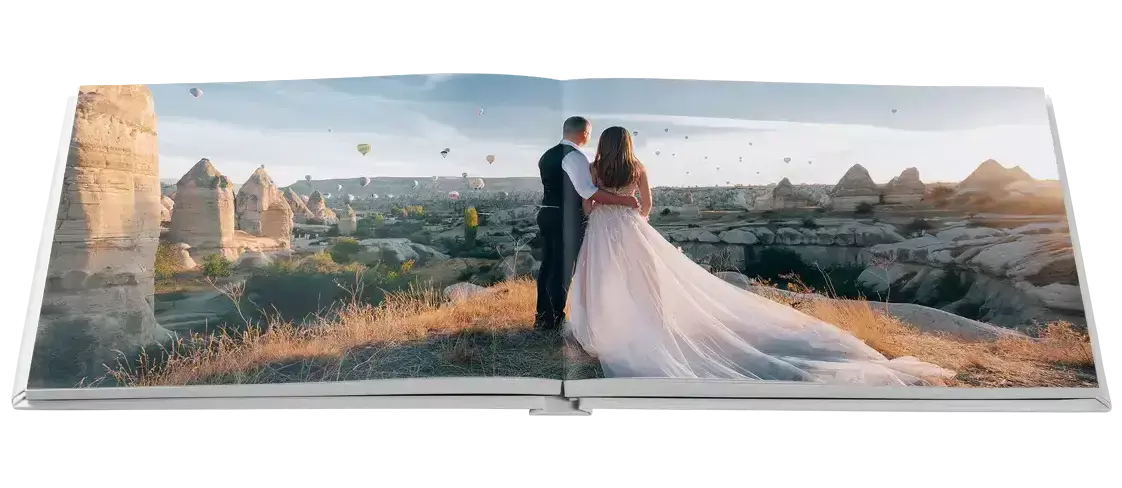
Yes, it is possible to have a photo span across two pages. Our layflat photo books are ideal for this type of spread. The seamless layflat binding of our layflat photo books allows you to spread your photo elegantly across two pages, showing off your greatest panoramic photos in spectacular vividness.
Although it is possible to span a photo across two pages on all our books, we would always recommend you use layflat photo albums for this type of page design. The binding with other book types will cause the photo to be cropped in the middle of the spread.